The Core Rich Text Editor
RichTextEditor is the primary Compose editor component of Arranger. It seamlessly integrates rich formatting, bidirectional state synchronization, keyboard shortcuts, interactive span taps, and autocomplete while preserving smooth rendering performance.
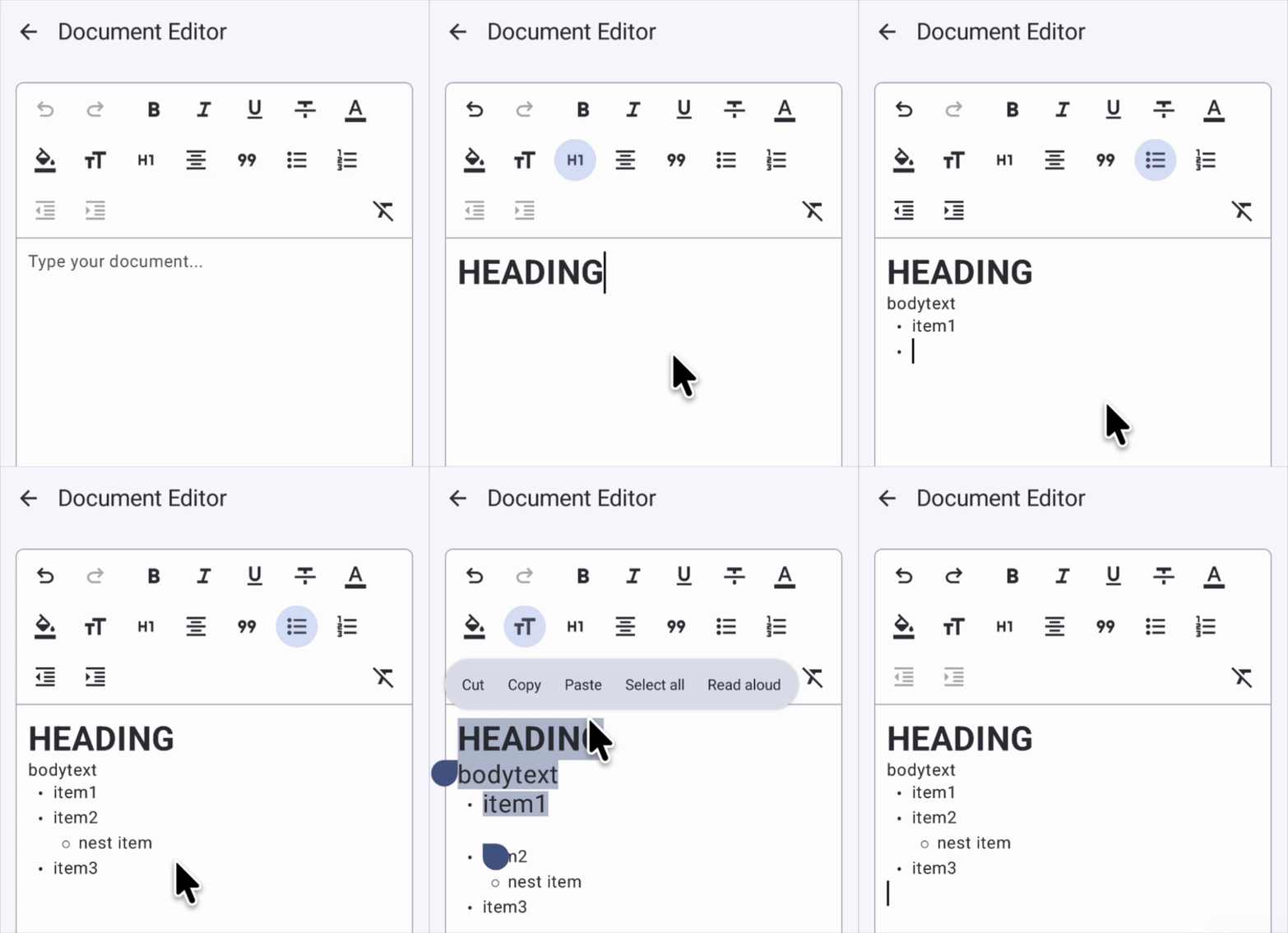
Basic Usage
Rendering an editor requires only passing a RichTextState:
@Composable
fun SimpleEditor() {
    val state = rememberRichTextState()

    RichTextEditor(
        state = state,
        modifier = Modifier
            .fillMaxSize()
            .padding(16.dp),
    )
}
Standard Compose parameters—such as modifier, enabled, textStyle, keyboardOptions, onKeyboardAction, and decorator—are supported with familiar Compose conventions.
For the exhaustive list of parameters and signatures, refer directly to the RichTextEditor API Reference.
Core Capabilities & Patterns
While RichTextEditor adheres to standard Compose conventions, it adds rich-text capabilities specifically designed for document editing:
1. Custom Style & Marker Resolvers
You can fully customize how attributes and lists are visually rendered by supplying custom resolvers:
styleResolver: Translates formatting attributes into ComposeSpanStyleandParagraphStyle. See Theming & Material 3 and Custom Attributes.listMarkerResolver: Controls the prefix markers for bullet points and ordered lists. See List Handling.
2. Interactive Span Clicks (onSpanClick)
Handle taps on formatted spans (such as links, user mentions, or hashtag badges) with cursor suppression:
RichTextEditor(
    state = state,
    onSpanClick = { event ->
        val url = event.span.attributes[LinkKey]
        if (url != null) {
            println("URL clicked: $url")
            event.consume() // Prevent repositioning the text cursor
        }
    }
)
Calling event.consume() informs the editor engine that this tap was handled as a link or span action, preventing the text cursor from relocating. See Interactive Spans & Click Handling for full details.
3. Read-Only Rich Text Viewer (readOnly = true)
By setting readOnly = true, the editor functions as a non-editable rich text viewer while preserving text selection and span click interactions:
RichTextEditor(
    state = state,
    readOnly = true,
    onSpanClick = { event ->
        event.span.attributes[LinkKey]?.let { openBrowser(it) }
    }
)
4. Autocomplete & Mentions
Pass autocompleteTriggers (e.g. @ or #) and onAutocompleteChange to display suggestion popups anchored to the cursor. See Autocomplete & Mentions.
Related Documentation
- Markdown Shortcut Editor (WYSIWYG): Real-time Markdown shortcut styling editor component.
- State Management & History: Batch edits, typing attributes, and undo/redo history.
- Theming and Material 3: Custom styling via
AttributeStyleResolverand Material 3 token mapping.